

Explore v0.dev: Instantly Craft Stunning UIs with AI
Say goodbye to boilerplate — turn ideas into production-ready interfaces in seconds.

Hey friends! Have you ever wished you could turn your ideas into a working web interface without spending hours coding?
Well, I’ve stumbled upon something amazing that I can’t wait to share with you: v0.dev, a tool from Vercel Labs that’s like having an AI design assistant at your fingertips.
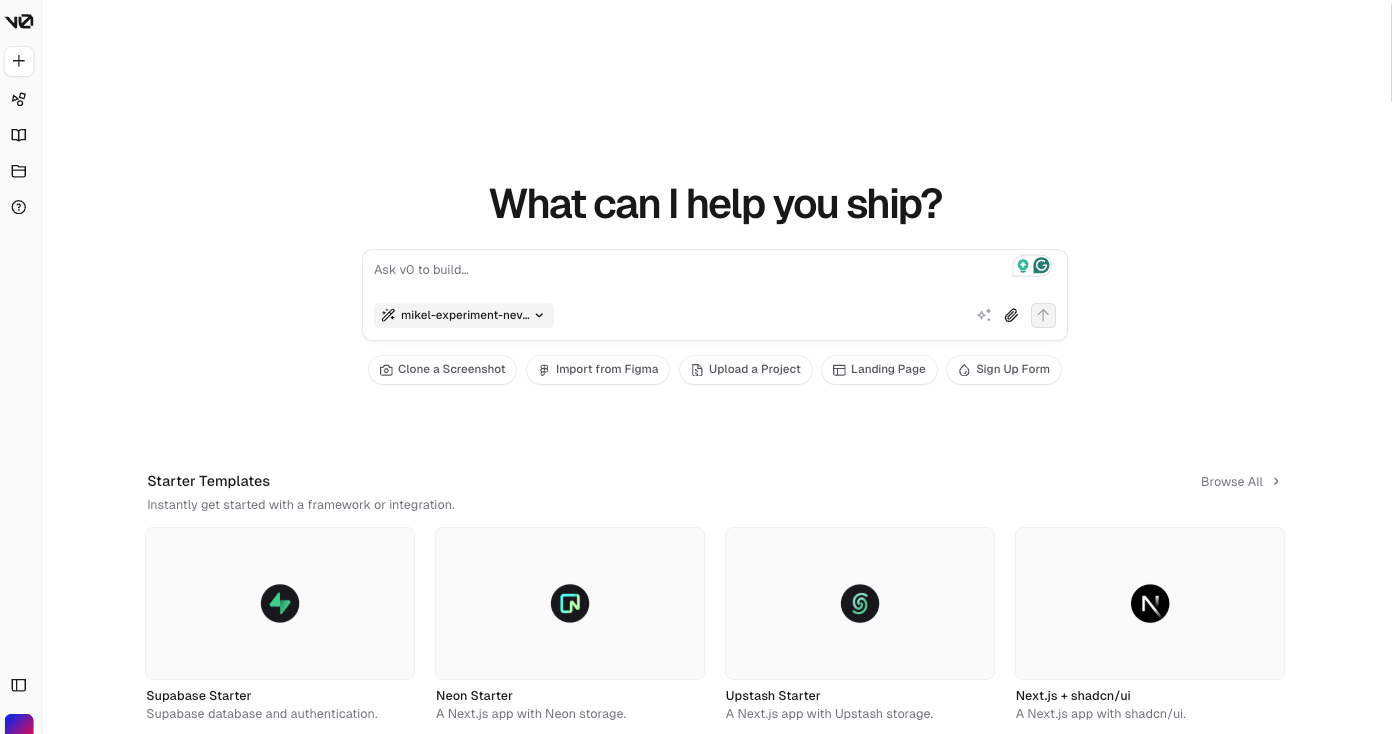
What is v0.dev?
Imagine chatting with a friend who instantly whips up a slick webpage based on what you describe. That’s v0.dev in a nutshell!
It’s an AI-driven platform where you type in a simple request — like “create a modern navbar with a dark mode toggle” — and boom, it generates clean React code (or even Vue, Svelte, or HTML/CSS) for you.
It uses popular tools like Tailwind CSS and shadcn/ui to make everything look polished and professional. You can even upload a design mockup, and it’ll try to turn that into code too!
Why It’s So Cool
What makes v0.dev stand out is how fast and fun it is to use. You don’t need to be a coding wizard to get started — it’s perfect for anyone who wants to play with UI ideas. Here’s why I’m hooked:
Speed: It builds prototypes in minutes, not hours.
Previews: You see your design live as you tweak it in the chat.
Copy & Paste: The code is ready to drop into your Next.js project or wherever you want.
Learning Made Easy: It’s a great way to see how designs turn into code if you’re just starting out.
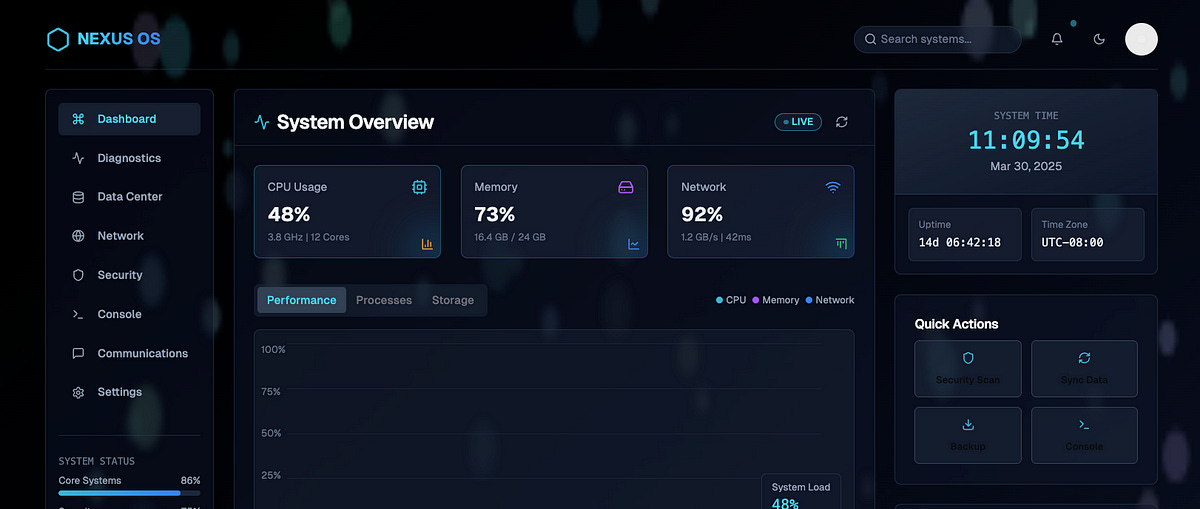
Example: Check out my very cool Dashboard Health Tracker, which was first implemented with v0.
What Can You Do With It?
I’ve been brainstorming some fun stuff you could try with v0.dev, and here are my top picks:
Quick Prototypes: Need a landing page for your side hustle? Ask v0 to make one with a hero section and a sign-up form.
Design to Code: Got a sketch or Figma file? Upload it and watch v0 bring it to life.
Fun Experiments: Tell it to “make a card with a glowing button” and see what happens!
Teamwork Boost: Designers can use it to show devs exactly what they want, no coding required.
Learning Tool: New to React or Tailwind? Let v0 generate examples and study how they work.
For instance, I tried “create a tweet-inspired art generator,” and it gave me a sleek component where users could type a tweet and get a funky visual — perfect for a mini web app I’m planning to share on X!
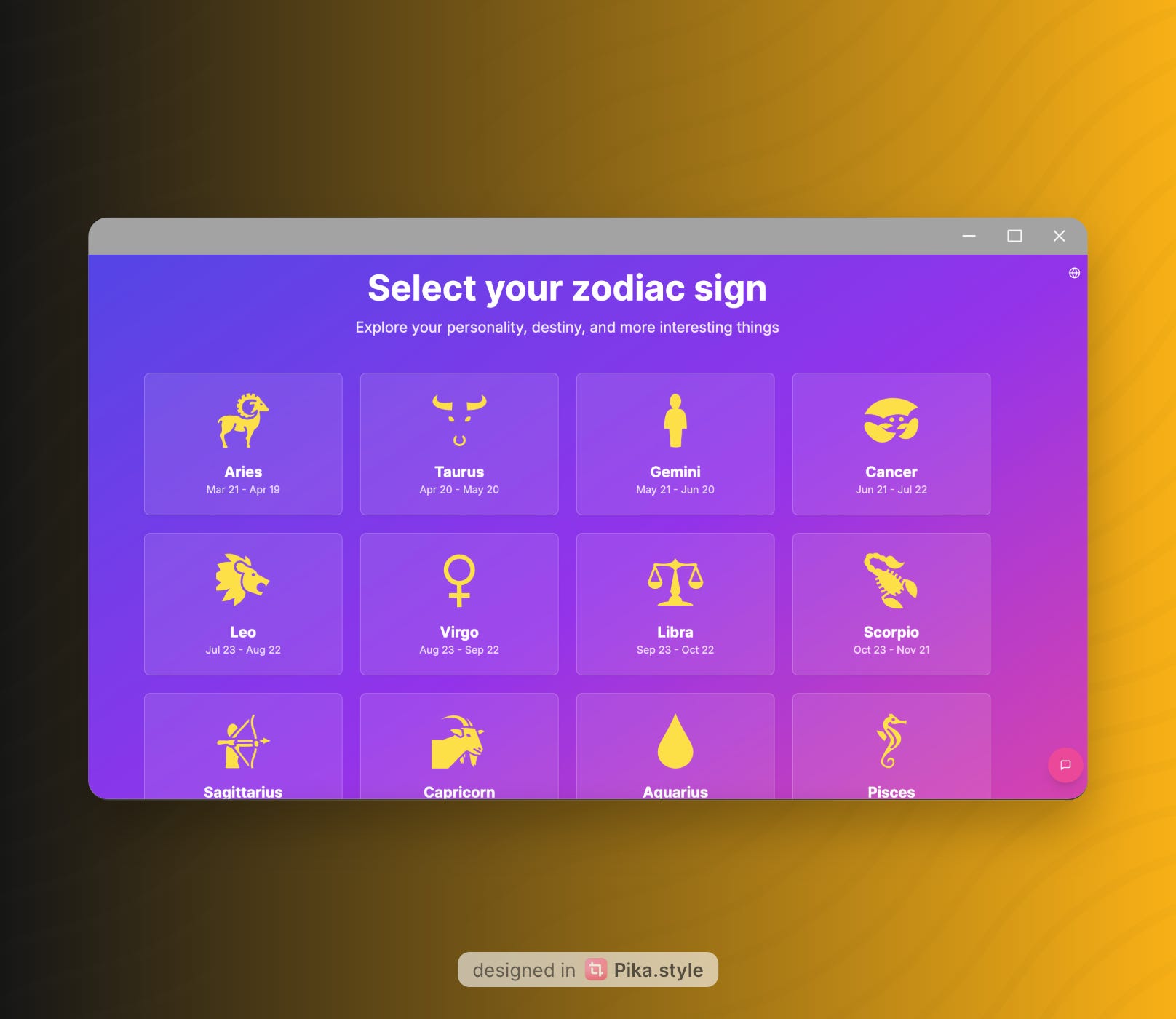
Example: Check out my fun Zodiac website, which was created with several prompts with v0
Things to Keep in Mind
It’s not perfect (yet).
The code might need some tweaking for real-world use — like adding accessibility or complex logic — but for quick ideas and starting points, it’s unbeatable.
Also, the better your description, the better the result, so don’t be shy about adding details!
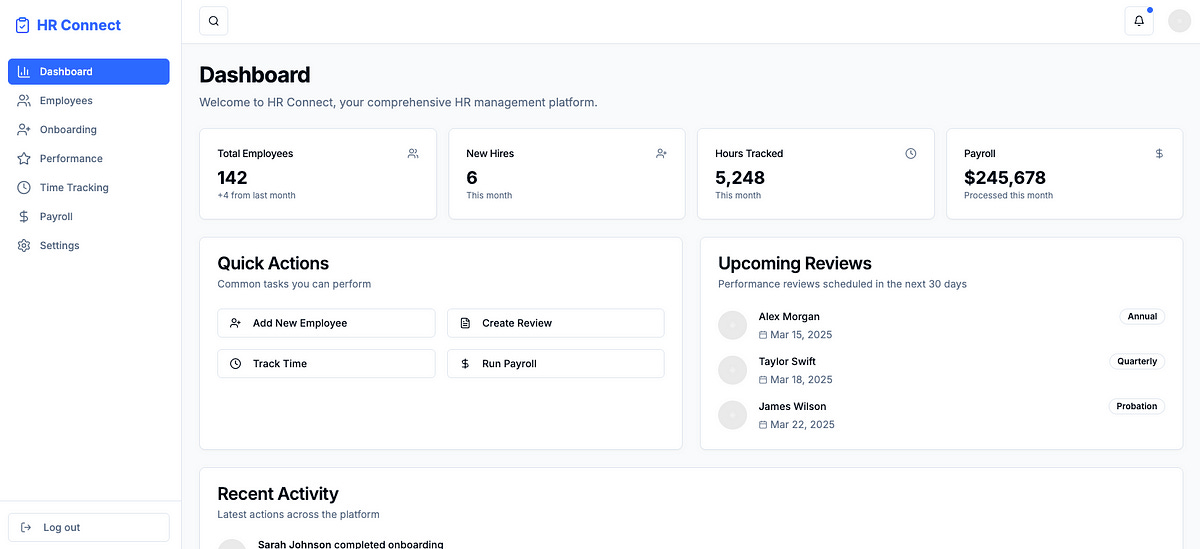
Example: here is my simple prototype of an HR app with demo data, but to make it as production ready, with complex back-end logic, v0 is just a small start, and counts as R&D phase only.
Why You Should Try It
Whether you’re a coder looking to save time, a designer wanting to test ideas, or just someone who loves messing around with tech, v0.dev is a blast.
I’m planning to use it to whip up some interactive community apps (think meme generators or quiz games) and pull people from X to try them out.
Want to join me? Head over to v0.dev, play around, and let me know what you create — I’d love to see your ideas come to life!
Let’s build something cool together!